
The chat thread that is also a running agreement.
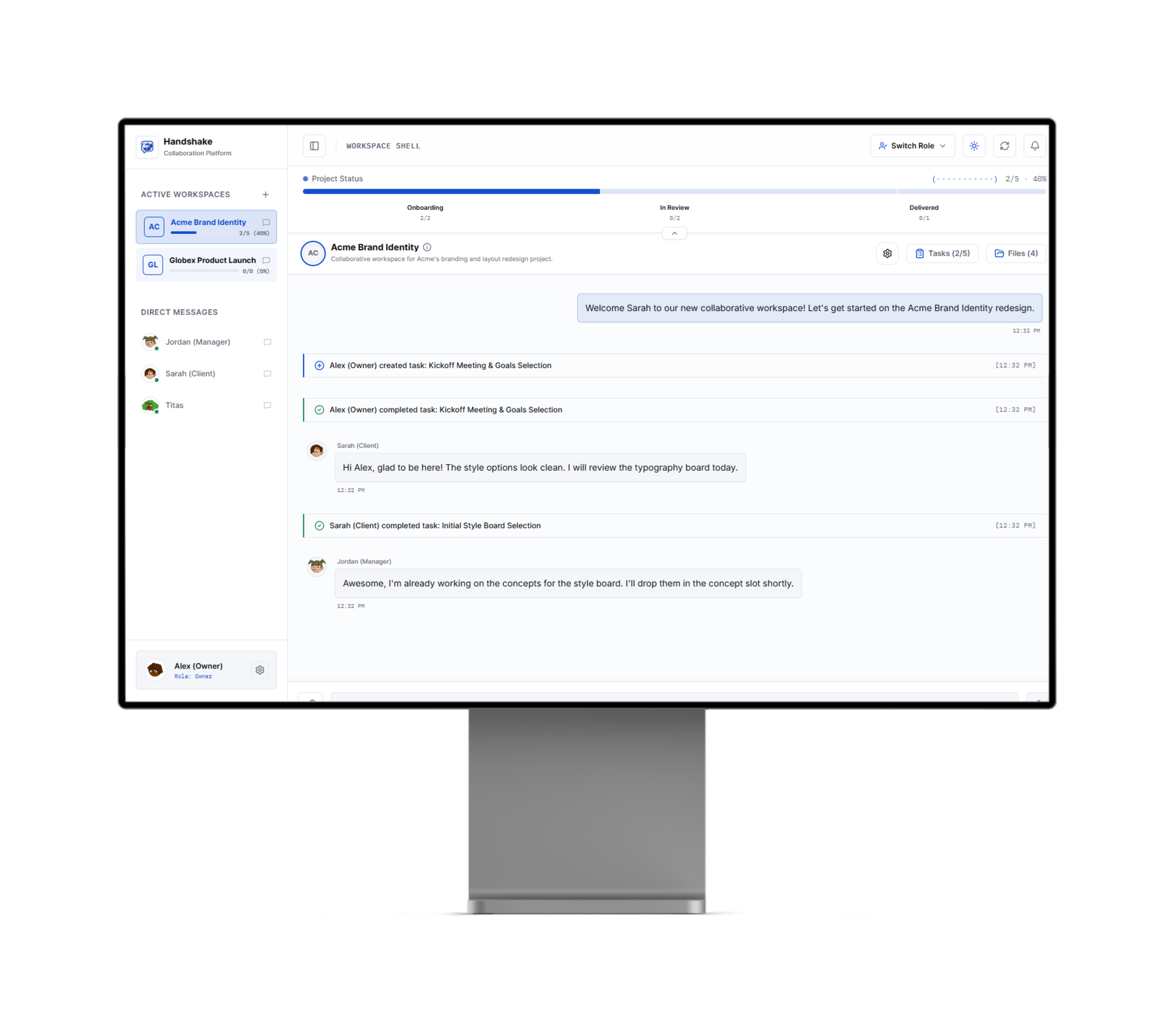
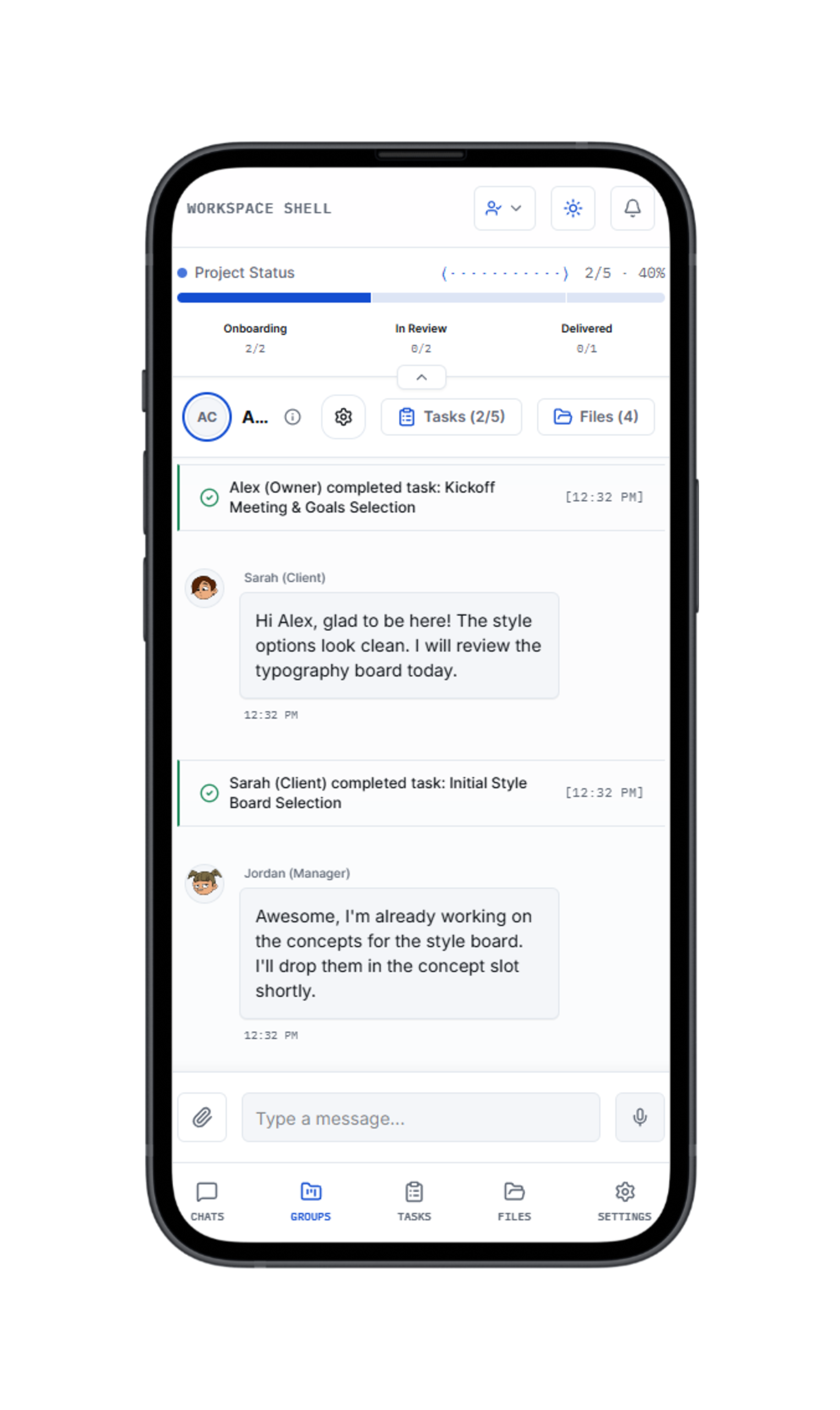
Handshake combines messaging, task checklists, and client-specific branding into one clean space. Every checked box is a small promise kept. Zero clutter, maximum clarity.
Our Philosophy
Eliminating the gaps between work items and chat conversations.
Agencies waste hours digging through messy Slack channels, email threads, and task management systems just to check if a client has approved a layout or uploaded assets.
Handshake was built to merge project context directly into the stream. By tracking tasks, status metrics, and file attachments in a single space, we establish a clean, immutable history of alignment.
Frame-accurate video reviews & pinpoint visual feedback.
Stop giving timestamp feedback in disconnected emails. Handshake brings an NLE timeline directly into your workspace chat, with 60 FPS playback, real audio waveforms, and precision coordinate pins.
Love the cinematic lighting intro! Let's ensure the brand title typography fades in cleanly here.
— SarahInstant Hover Previews Directly in Chat
Media cards in direct messages and active group channels show persistent note badges and quick feedback previews on hover.
60 FPS Video Timeline
Continuous high-refresh NLE timeline with SMPTE studio timecode (`MM:SS:FF`) and 30fps jog stepping (`-1f`/`+1f`).
Real Audio Waveforms
Decoded directly via Web Audio API, track `A1` displays genuine frequency peaks so dialogue and beats align with video feedback.
Image Coordinate Pins
Drop precision coordinate markers on posters, banners, and mockups with threaded discussion cards for clients and agency staff.
10 MB Media Vault
Upload up to 10 MB MP4 reels and uncompressed designs. Powered by IndexedDB binary storage to avoid localStorage quota limits.
Platform Features
Explore the workspace interfaces.
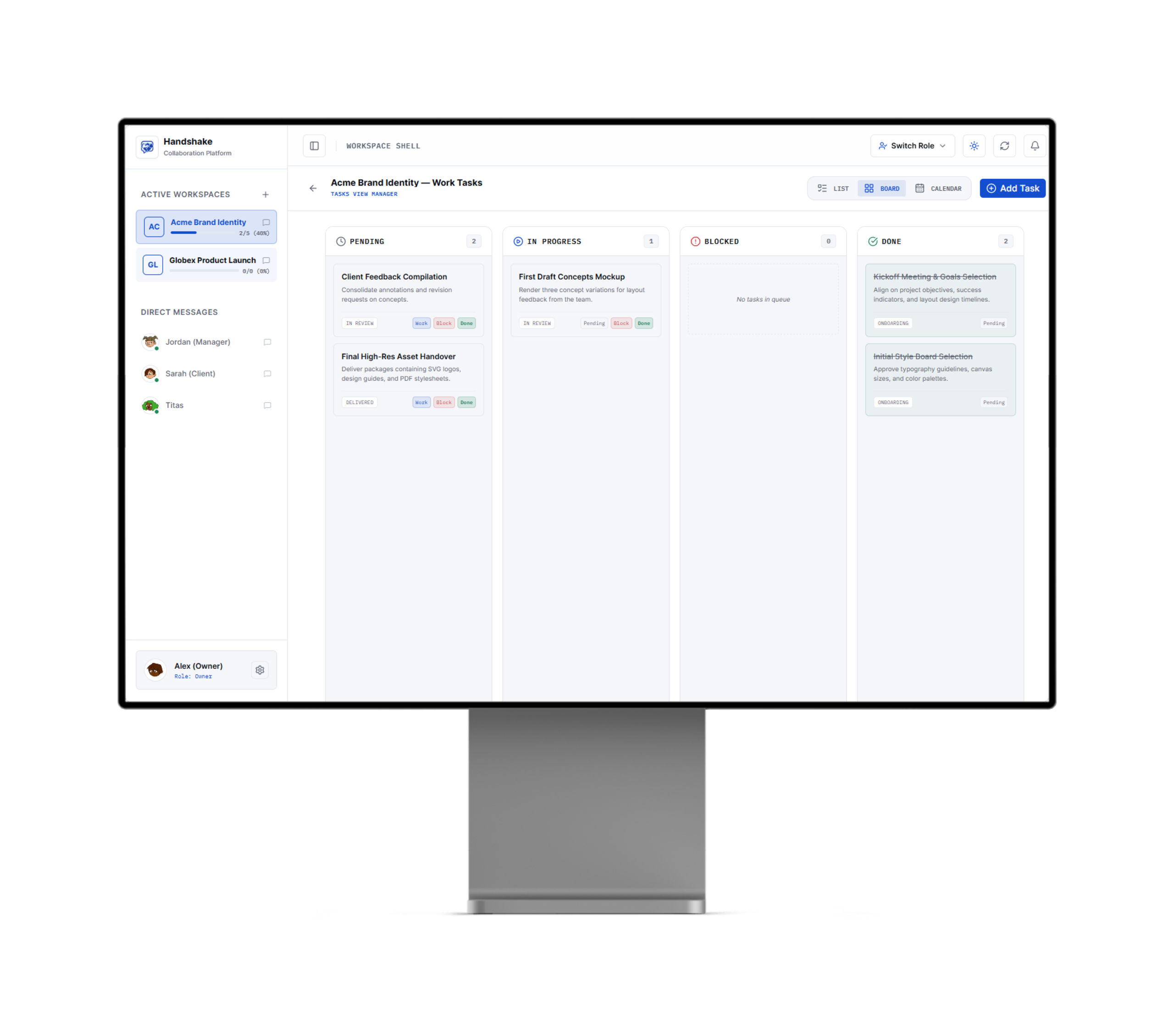
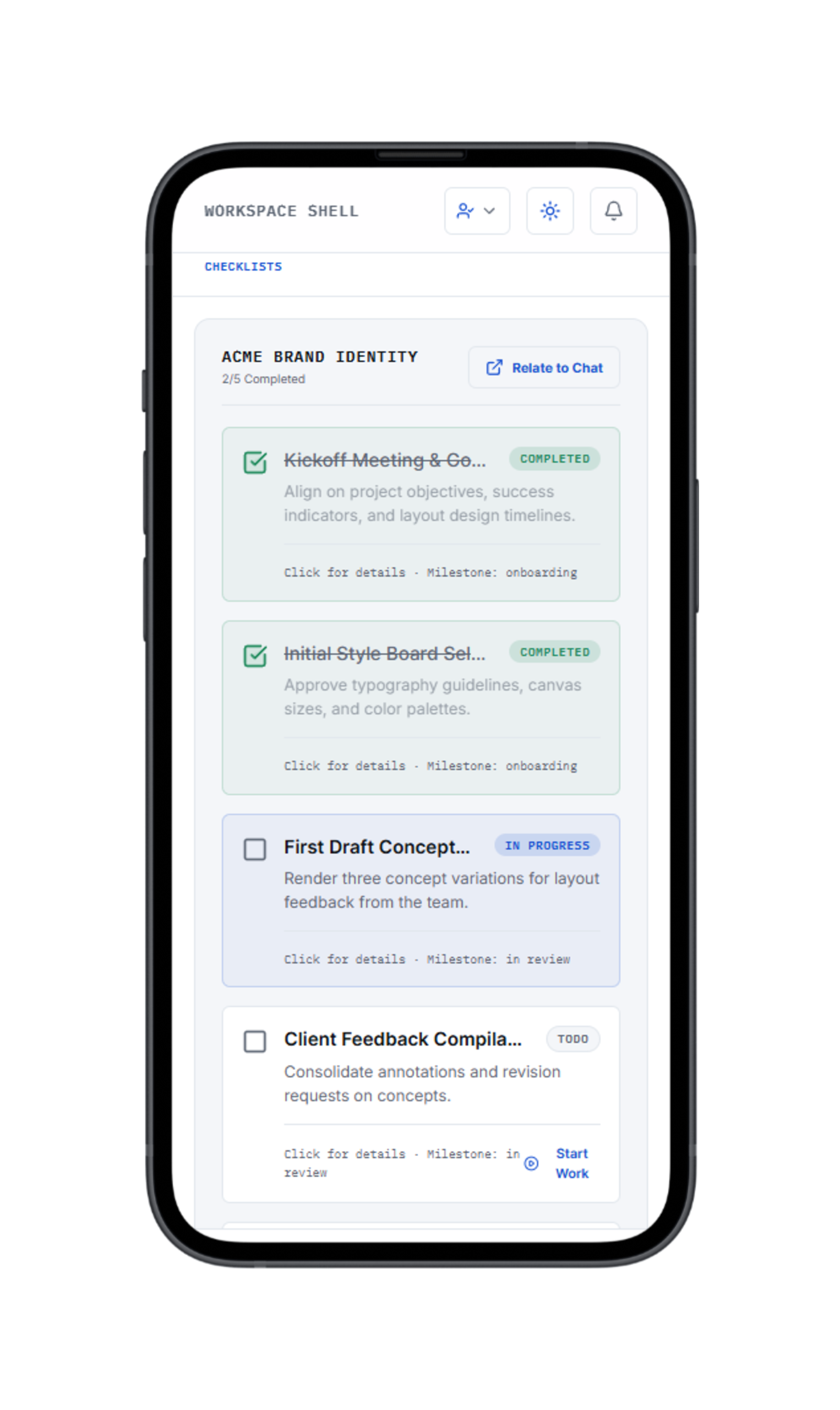
Switch tabs below to inspect how the Kanban boards, centralized file archives, autocomplete trigger suggestions, and dark mode interfaces look in Handshake.
Interactive Simulator
Try the interactive alignment workspace.
Check tasks below, explore autocomplete triggers (`@`, `#`, `/`) in the composer input box, or toggle the status banner to see it update.
Frequently Asked Questions
Got questions about Handshake? We have answers.
Unlike tools that separate work management from conversations, Handshake threads task updates directly into the chat stream. When you or your client updates a checklist item, a clear status system bubble is instantly added to the chat, keeping everyone aligned without context switching.
Yes. You can generate custom client invites. They get access to their specific branded workspace directly through a simple portal link—no long onboarding forms or complex password setups required.
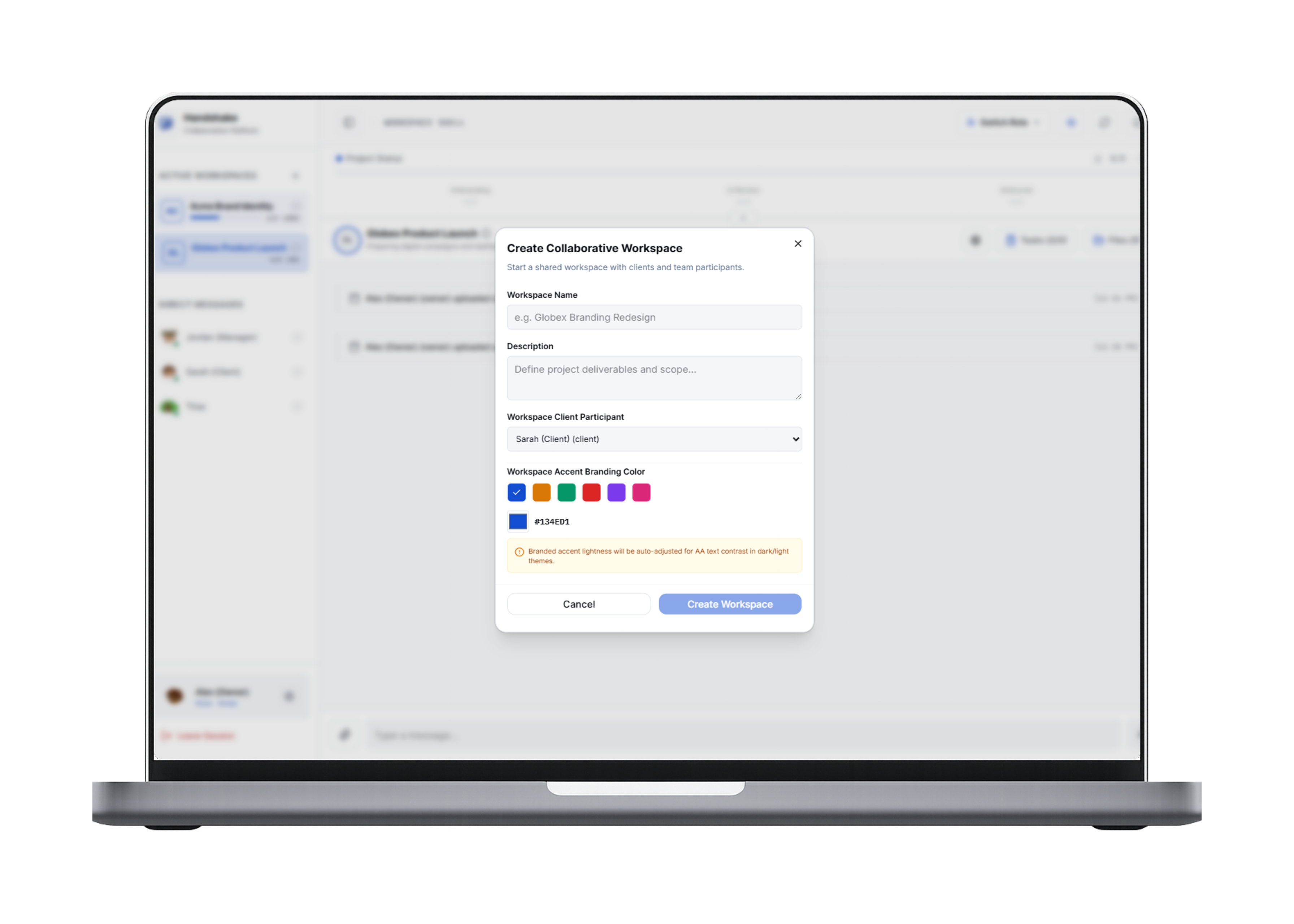
Absolutely. Each workspace can carry customized branding (accent colors, logo, workspace title) to fit either your agency's design system or the client's guidelines, giving them a premium, high-end feel.
You can upload any MP4 video reel or design mockup directly in direct chat or group channels. Clicking Collaborate launches a full-screen studio: for video, an NLE timeline with 60 FPS playback, SMPTE timecodes, real audio waveforms, and second-by-second comment pins; for images, a high-precision canvas where you can drop coordinate pins with threaded discussions.
Handshake supports video files, posters, and document archives up to 10 MB. Large media assets are stored safely in an offline-ready IndexedDB vault with browser-native Object URLs, providing instant high-frame-rate playback without hitting browser localStorage quota limits.
They allow you to insert rich links into your conversation. Type `@` to tag a member, `#` to reference a task from your checklist, and `/` to embed a project file. It builds structured, linked documentation instantly.